


-
With an internet connection, turn on your TV device.
-
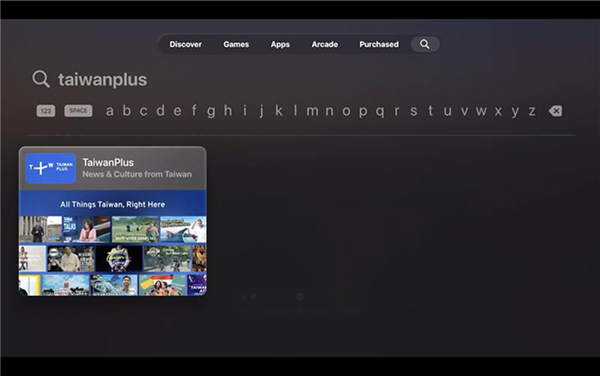
Open the App Store and use the Search option at the top.
-
Search for TaiwanPlus, located in the News category.
-
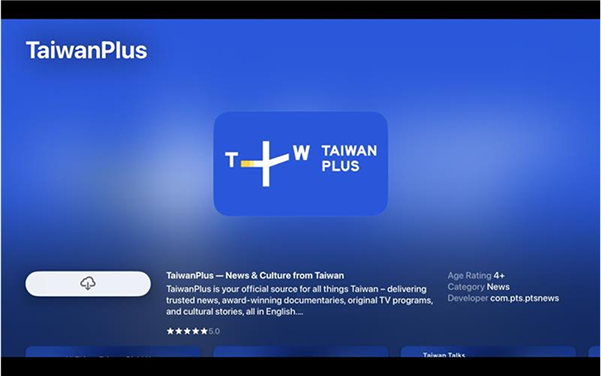
Select the TaiwanPlus app and click Download.
-
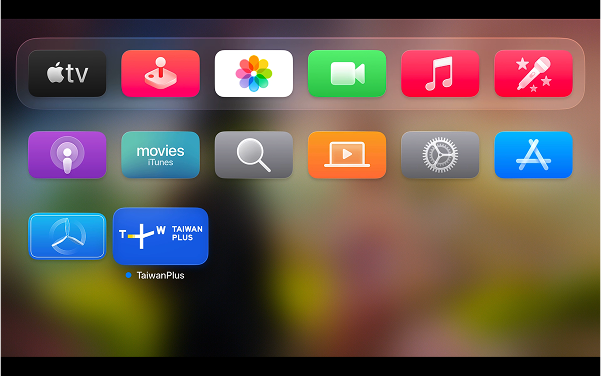
Open the app from the Search page or from your Apple TV Home screen.
-
Open the TaiwanPlus app and enjoy.
Discover all that connects Taiwan to the world
Catch up on the latest stories and programs from Taiwan, available on demand wherever you are.
How to Watch TaiwanPlus on Your TV Device?
-
Apple TV
-
Android TV
Pre-Install Android TV - Install From Your Computer
-
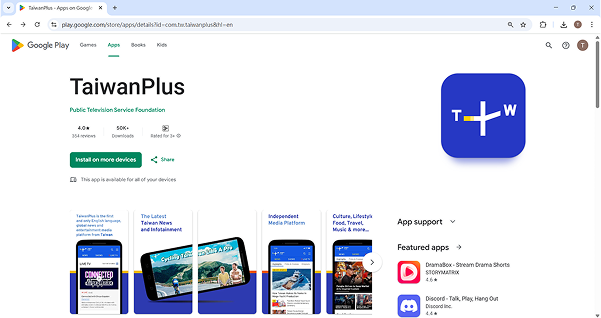
Use this link and sign in with the same Google account linked to your Android TV.
-
Click Install and choose your Android TV device from the list.
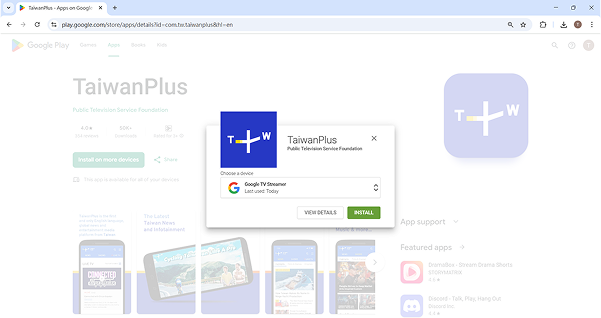
-
On your TV, open the TaiwanPlus app from the Home screen and start watching!
TV Install
-
With an internet connection, turn on your TV device.
-
Open the Google Play Store from the Home screen.
-
Use the Search option at the top of the store.
-
Search for TaiwanPlus.
-
Select the TaiwanPlus app and click Install.
-
Open the app from the Search results or from your Android TV Home screen.
-
Open the TaiwanPlus app and enjoy.
-
-
Roku TV
Pre-Install Roku Device – Install From Your Computer
-
Use this link and sign in to your Roku account, in the Roku Channel Store search for TaiwanPlus.
-
Click Add Channel.
-
The channel will be added to your Roku TV. It may take a few minutes to appear.
-
On your TV, open the TaiwanPlus app from your Home screen and enjoy!
TV Install
-
With an internet connection, turn on your TV device.
-
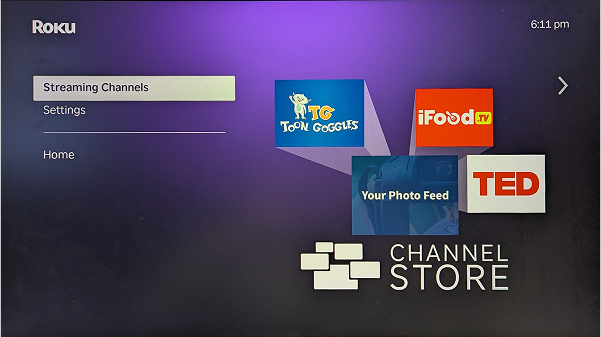
Open Roku TV and select Streaming Channels.
-
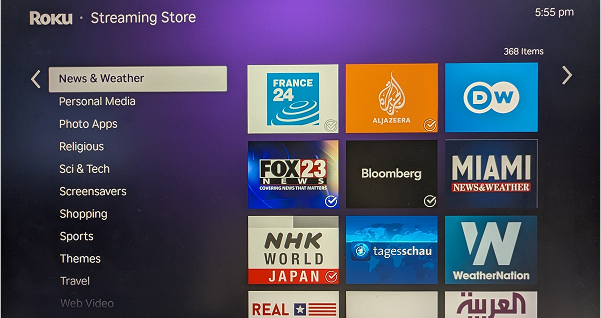
Under the Streaming Store, click the News & Weather category.
-
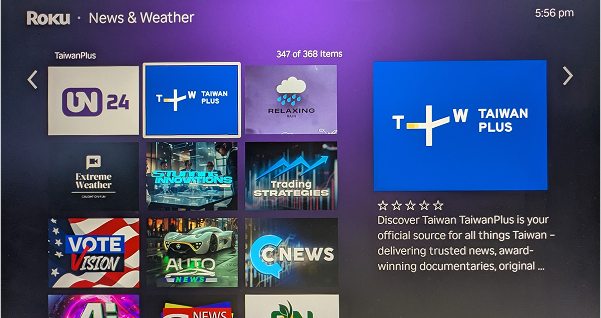
Scroll down the menu and look for TaiwanPlus in the selection of apps.
-
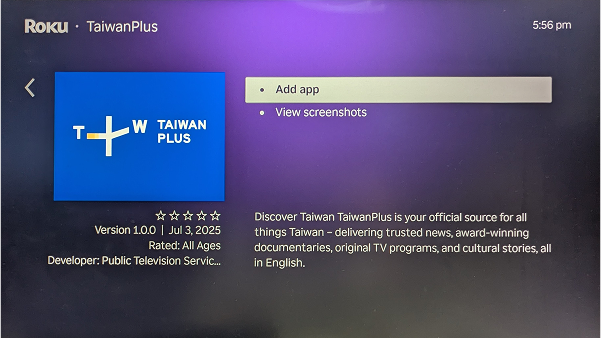
On the TaiwanPlus app page, click Add Channel and click OK when the download has finished.
-
Click Go to app or find the TaiwanPlus app on your Roku Home screen.
-
Open the TaiwanPlus app and enjoy.
-
Discover all that connects Taiwan to the world
Catch up on the latest stories and programs from Taiwan, available on demand wherever you are.
Download the TaiwanPlus app today.


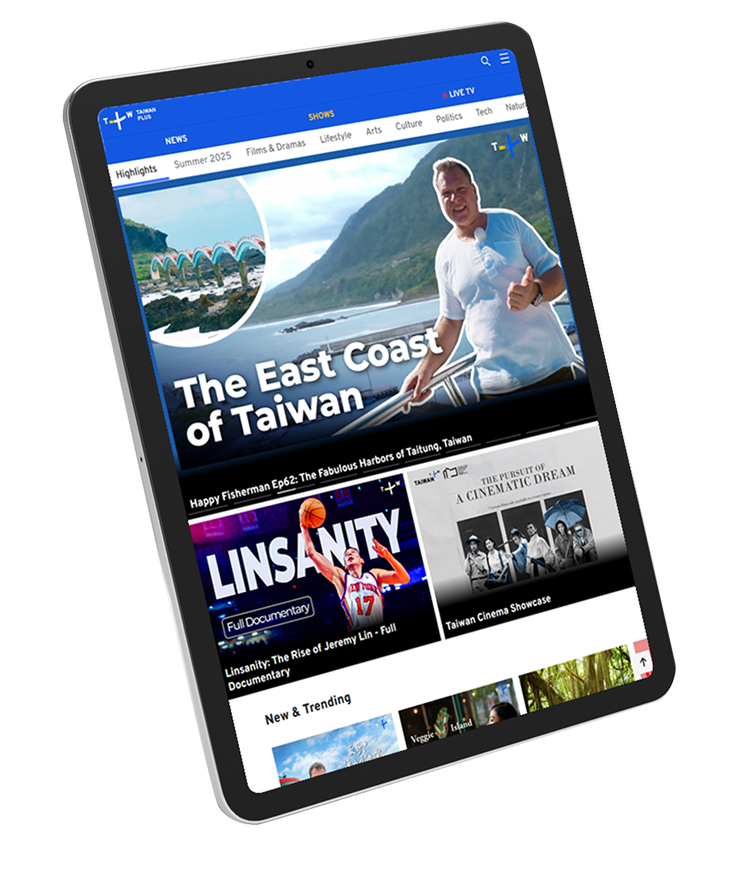


Discover all that connects Taiwan to the world
Catch up on the latest stories and programs from Taiwan, available on demand wherever you are.
Download the TaiwanPlus app today.

Why the TaiwanPlus app?
-
News about Taiwan and the world
Watch features, exclusives, and full coverage of stories in and around Taiwan.
-
Stay informed with push notifications
Get notified when new content or major updates are available, so you never miss what's new.
-
Enjoy ad-free content
Access over 2,000 videos on the app with more added regularly, all without ads.
-
Watch videos offline
Download your favorite videos and enjoy them offline anytime.
-
Watch at your own pace
Save your progress and come back to finish watching whenever it suits you.